
Installation
Install the APPNETOS runtime and the applications required by your deployment.
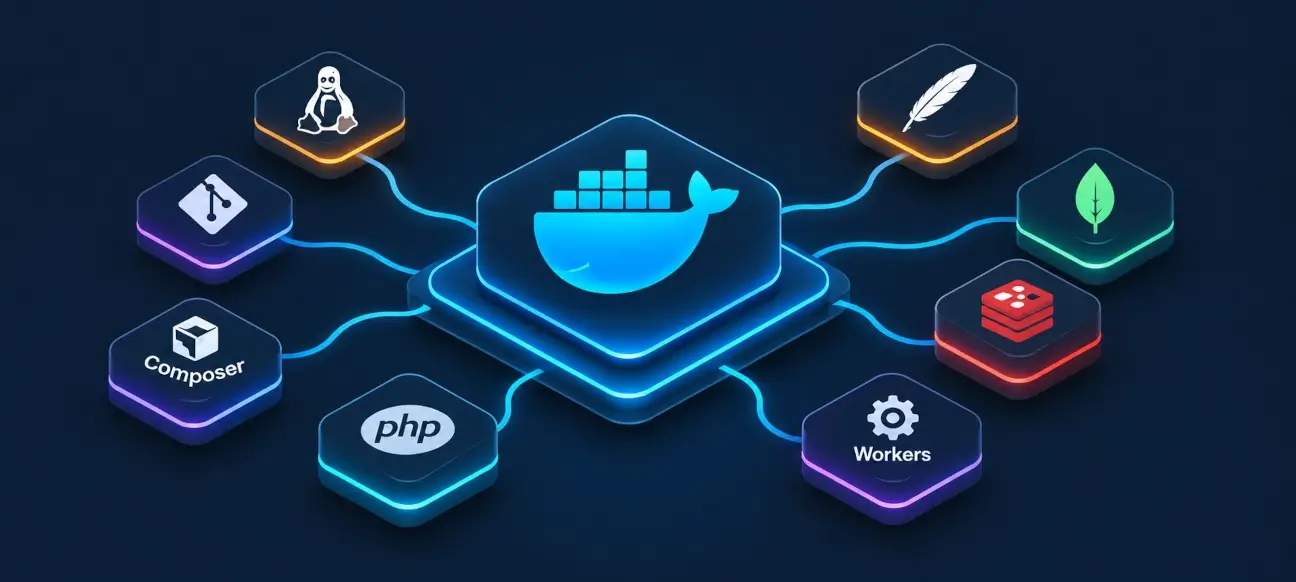
Choose an installation method
APPNETOS can run using the provided Docker configuration or on infrastructure configured and operated independently. Only the applications and supporting services required by a deployment need to be installed.
Installation workflow
From the APPNETOS project root, run the installation script after the runtime services and project files are available:
cd /var/www/appnetos/appnetos
bash scripts/install.sh
The installer discovers applications and processes their installation resources. Individual applications may contribute MongoDB, filesystem and platform resources.
| Order | Phase | Responsibility |
|---|---|---|
| 1 | Composer | Install per-application dependencies |
| 2 | Git | Configure Git safe directories |
| 3 | Environment | Create shared runtime configuration |
| 4 | Platform | Install shared platform resources |
| 5 | Public | Install public resources |
| 6 | Permissions | Prepare writable directories |
| 7 | Applications | Install discovered applications |
| 8 | Healthcheck | Validate installation state |
Change all default credentials before external access; keep secrets outside version control and disable Xdebug in production.
Repeatability and deployment safety
Installer phases are designed to be idempotent. Re-running installation is supported, but this does not replace backups, release validation or a rollback plan for production deployments.
Application-dependent services
The shared APPNETOS core does not require every optional application service. For example, BIND and DNS Control worker processes are only necessary when the DNS Control application and its features are deployed. Custom environments may combine worker processes or isolate them per application, depending on operational requirements.
Next Steps
Docker Installation
Clone, configure, start and validate the APPNETOS Docker environment.
Open guideCustom Installation
Integrate APPNETOS into an individually managed server or container infrastructure.
Open guideInstaller Reference
Understand the eight installation phases, their resources and failure handling.
Open guide